Guangzhou BaoLun Electronics Co., LtdAbout UsBuilding 13 (A-13), Jinshangu Industrial Park, No. 139, Dongyi Road, Donghuan Street, Panyu District,Guangzhou Guangdong,ChinaGuangzhou Baolun Electronic Co.,Ltd (ITC) was founded in 1993,with more than 500 professional engineers for different systems in R&D center and more than 3.000 staffs in total. We are professional manufacturer for audiovisual (PA system, speaker, amplifiers, LED screen, Conference system and etc.) & lighting products. ITC has strict quality control, SMT production lines and imported raw materials from international brands, products comes with CE,RoHs,EN54,ISO,CCC certificates, meet Europe standard. Our products are exported to all over the world with good reputati
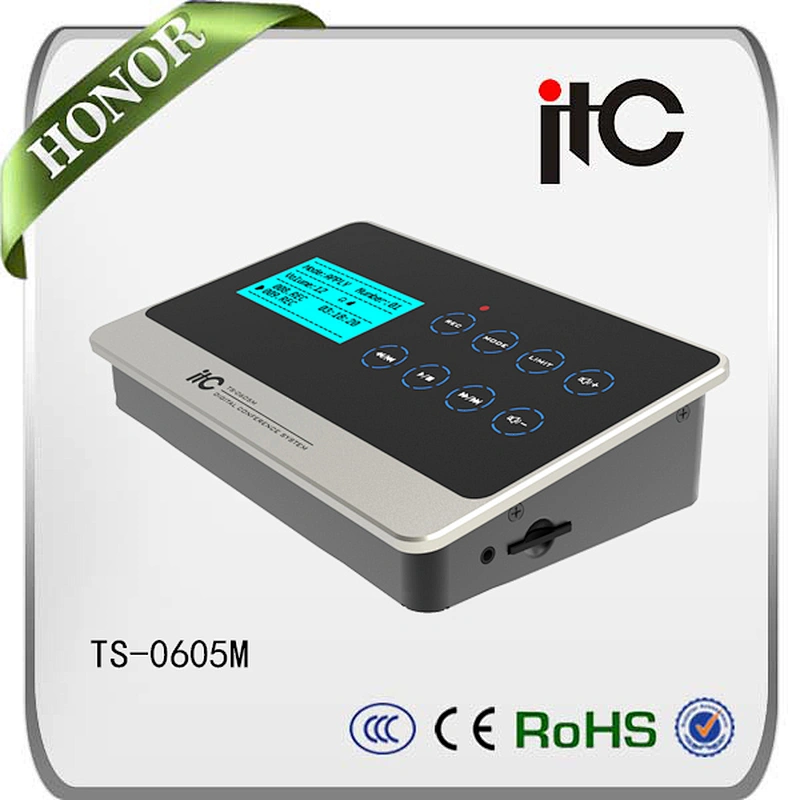
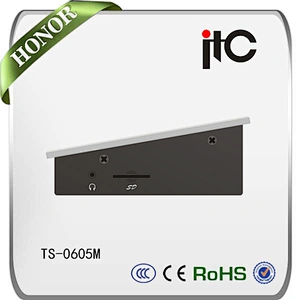
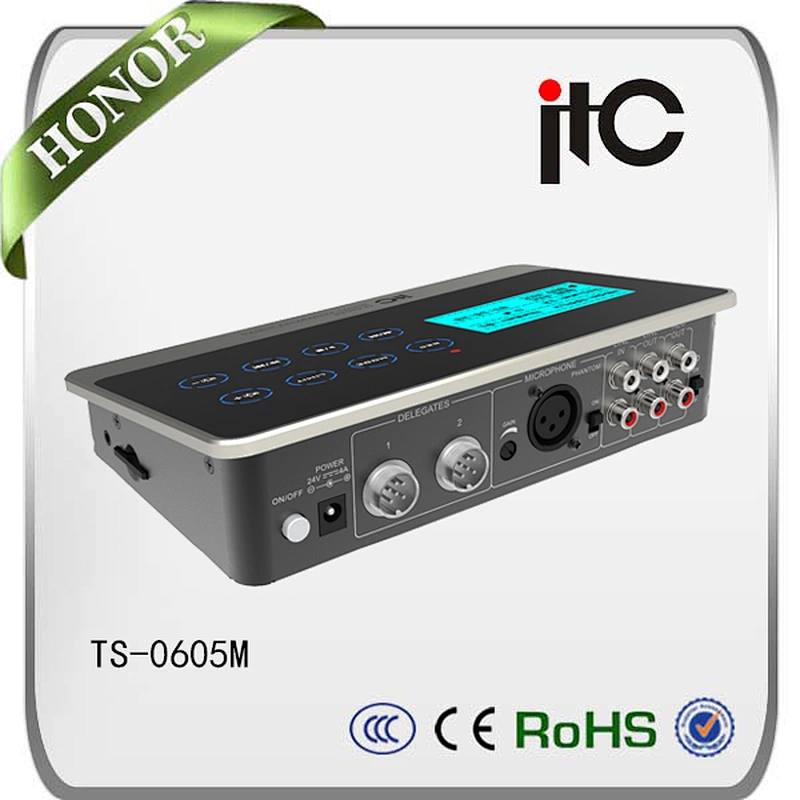
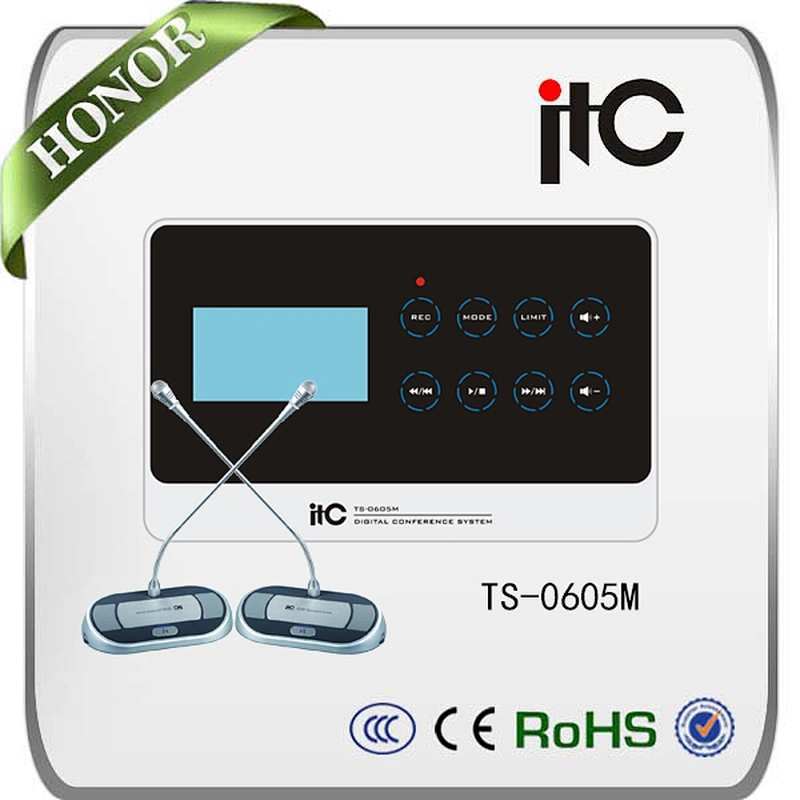
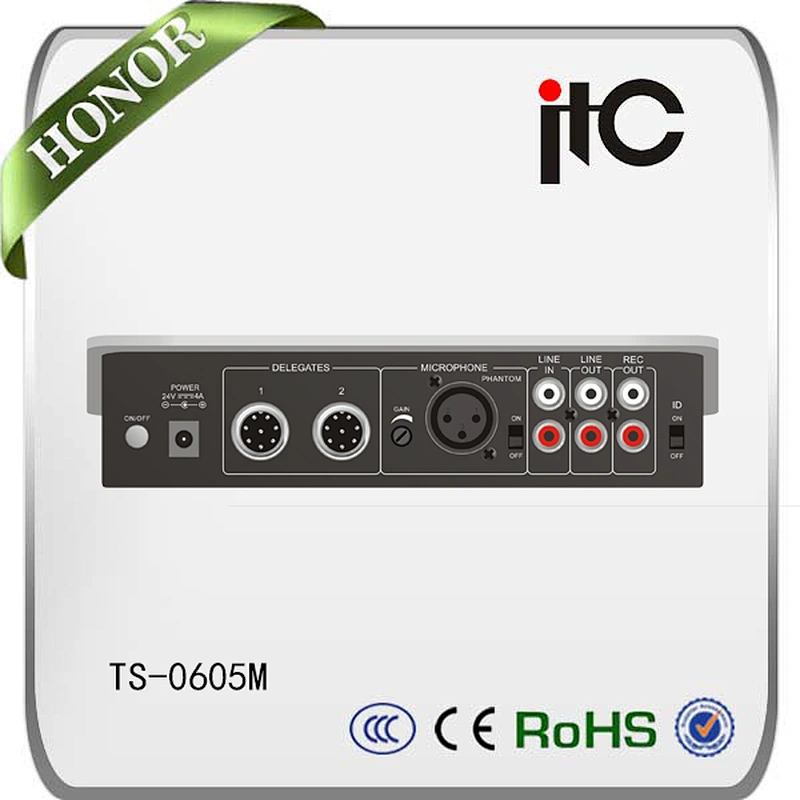
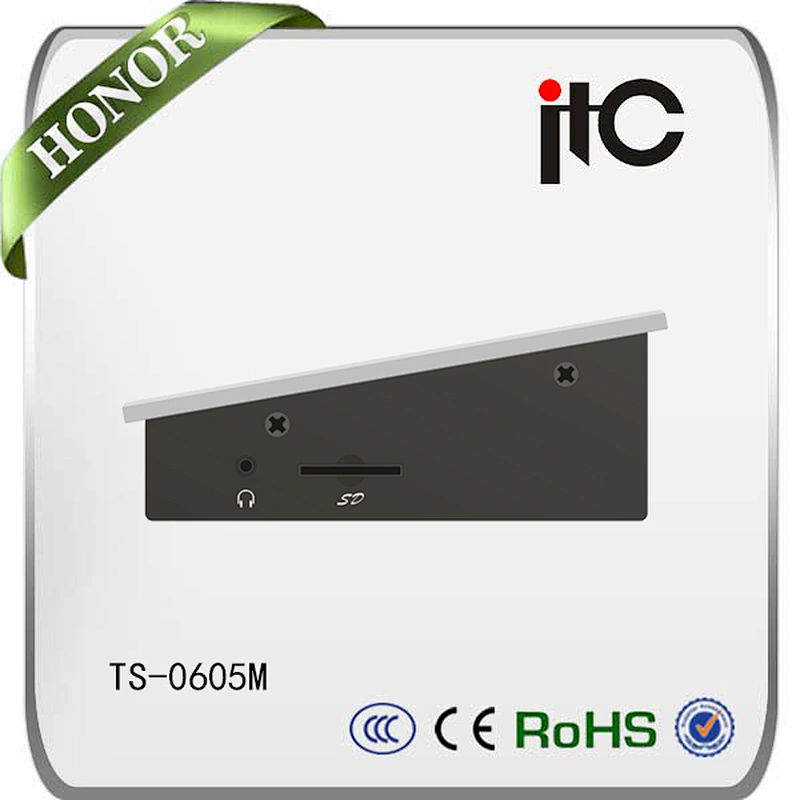
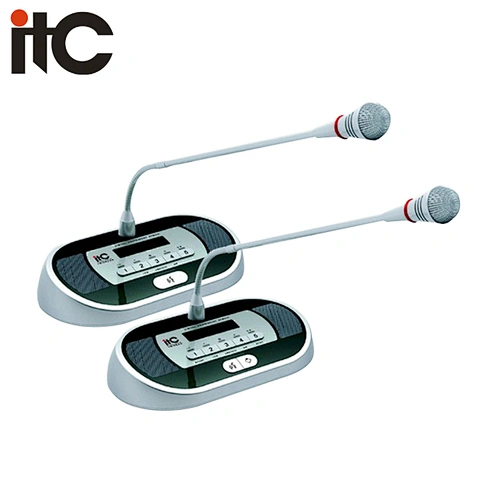
1) Using touch buttons; provide shortcuts for recording, play-back, switcher for modes or limit quantity and volume control; 2) 4 kinds of conference modes: Fist-in-first-out/Normal/ Free/ Apply; 3) With the limit function for the quantity of active microphones: Optional limit quantity is 1/2/4/6, and the chairman unit is unlimited; 4) 1 host can be connected up to 30 conference microphones; 5) Connection method of conference microphones is “Hand-in-hand”, which is easy to be installed and maintained; 6) Using audio processing modules like digital EQ and noise reduction system makes sound loud and clear; 1 audio input and 1 audio output; 7) With 1 channel acoustic output, which could be used to do sound reinforce by connecting to PA power amplifier; 8) With 1 channel recording output, which could work with recording device; 9) With the recording function and SD slot to do real-time recording of SD CARDS signed in can make convenience for real-time recording; 10) Could be connected to external microphone ;gain control is provided; 11) With the function of auto configuration for ID address to make installation more convenient ; 12) Using external power supply at 24V; 13) The enclosure of the controller is in material of metal which make the circuit connected to the ground wire better to ensure antistatic ability of 6000V; 14) Desktop-style and user-friendly operation; 15) Using 3.5mm headset jack to monitor the information of the conference in real-time.