

- Place of Origin:CN;GUA
- Simultaneous Interpretation:No
- Brand Name:ITC
- Type:Video Conference System
- Model Number:TV-612HC
- Function:video
- Certification:RoHS, CE, ISO9001, ISO14001
- Support:1080P60/50
- HD interface:DVI-I high-definition multimedia interface
- HD interface.:HD-SDI
- Control signal interface:8 core Mini DIN
- Power interface:HEC3800 power supply socket
- Power adapter:AC 110V-AC 220V to DC 12V/2.5A
- Input voltage:DC 12V (DC 11.5-DC 12.5V)
- Power:15W (maximum)
- Size (width high):265x144x171 (mm)
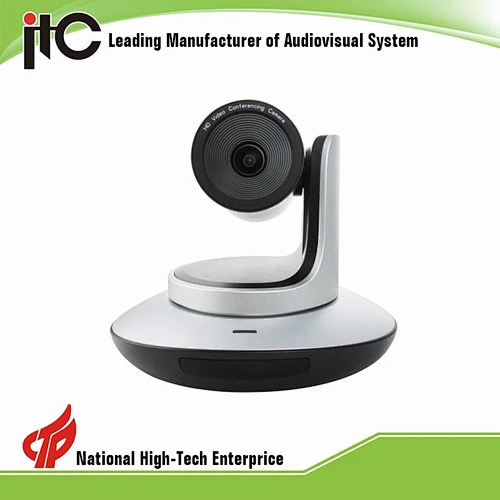
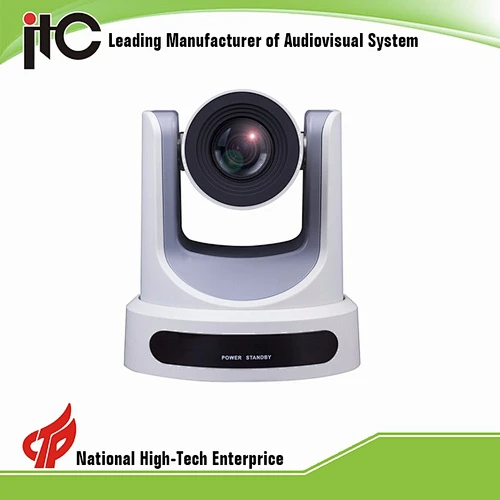
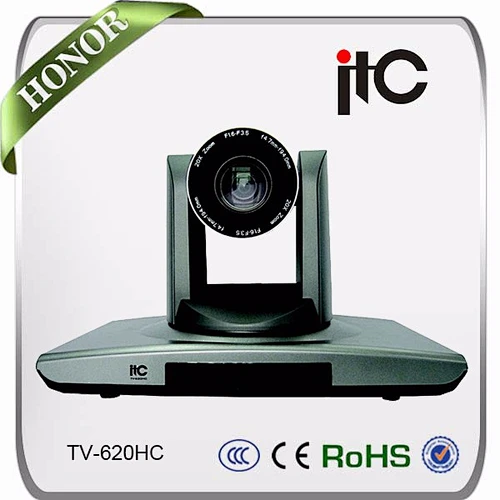
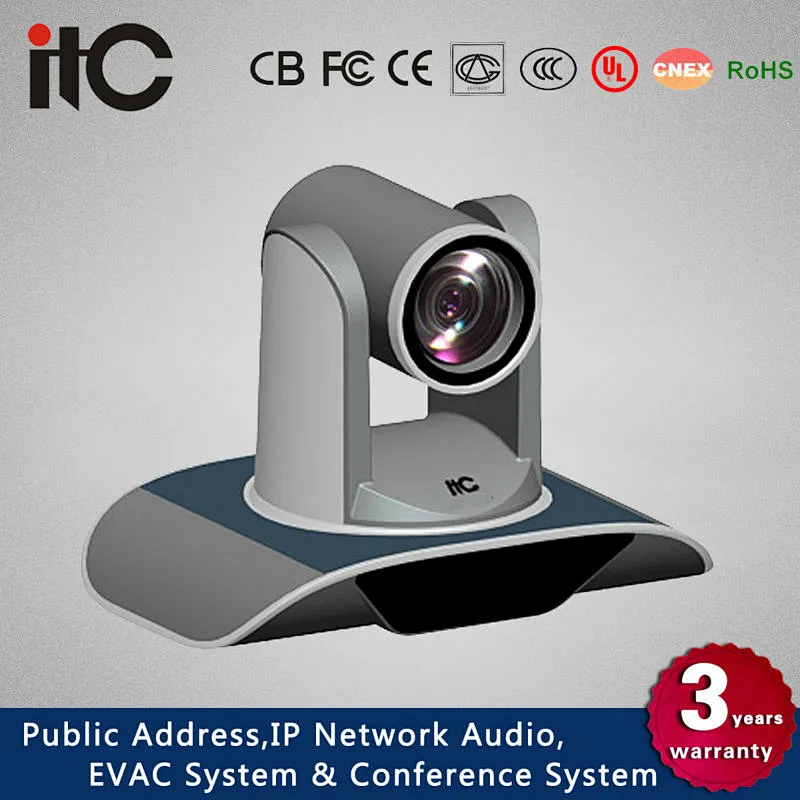
ITC TV-612HC HD PTZ DVI Signal Video Conference Camera
ITC TV-612HC HD PTZ DVI Signal Video Conference Camera
* Super HD image: high quality HD CMOS sensor, 1920x1080 ultra high resolutions; 5000000 pixel HDCMOS sensor, 2000000 effective pixels, support 1080P60/50; output high resolution quality
image and at the same time meet the demand of the smooth picture.
* 12x optical zoom: Rapid, accurate and stable auto focus lens; reaches 12 times optical zoom; coupled with the high precision PTZ positioning for easy vision shooting
* Ultra wide viewing angle: the maximum angle up to 70 degrees
* Wide range, high speed, low noise PAN / pitch operation: new stepping motor driver, running very smoothly and quietly; can quickly move to the to the designated location, and a wide range
of shooting
* Multi format full HD video output: support variety of high-definition video 1080P30, 1080P25, 720P60, 720P50, 720P30; output HD analog and digital video signal in multiple interfaces DVI-I,
HDMI, HD - SDI
* Through the high definition multimedia interface for high quality image transmission: DVI-I digital high-definition multimedia interface, can be compatible with both analog and digital HD
video output, can be directly used cable connected to the high-definition display devices
* RS-232C remote control (VISCA): RS-232C (VISCA protocol) interface, for all camera settings and pan / tilt / zoom r remote high-speed communication control operation
* Location preset: for multiple locations preset, including the level, pitch, variable times; even when the camera power down after close, the preset data can also be saved
* Support camera flip: structurally support camera flip, set the image level through serial command; image flip command has the electricity-off saving function
* Equipped with remote control: equipped with a remote control device; has the advantages of simple operation, basic set, level, pitch, zoom control, manually set related camera Parameter
through the remote controller
* OSD menu: OSD menu, the user can adjust the camera exposure parameters via the OSD menu, switch to video mode, view the current status

ITC TV-612HC HD PTZ DVI Signal Video Conference Camera
* HD interface: DVI-I high-definition multimedia interface
* HD interface: HD-SDI
* Control signal interface: 8 core Mini DIN
* Power interface: HEC3800 power supply socket
ITC TV-612HC HD PTZ DVI Signal Video Conference Camera
* Power adapter: AC 110V-AC 220V to DC 12V/2.5A
* Input voltage: DC 12V (DC 11.5-DC 12.5V)
* Power: 15W (maximum)
ITC TV-612HC HD PTZ DVI Signal Video Conference Camera
* Size (width high): 265x144x171 (mm)
* Weight (about): 1.5Kg
* Storage temperature: -10°C to +60°C
* Working temperature: 0°C to +45°C


Send Message
Related Products