
- Place of Origin:CN;GUA
- Model Number:T-328
- Brand Name:ITC
- Sensitivity:±5 mV/600Ω
- S/N Ratio:>68dB
- Frequency Response:100Hz~17KHz(+1, -3dB)
- Phantom Power:+12V
- Bass:±12dB at 100Hz
- Treble:±12dB at 10KHz
- Chime:2 tone active for contact free in priority and BGM
- Normal Distortion:>0.1%
- Power Supply:DC 24V
- Dimension:220x142.7x51.5 mm
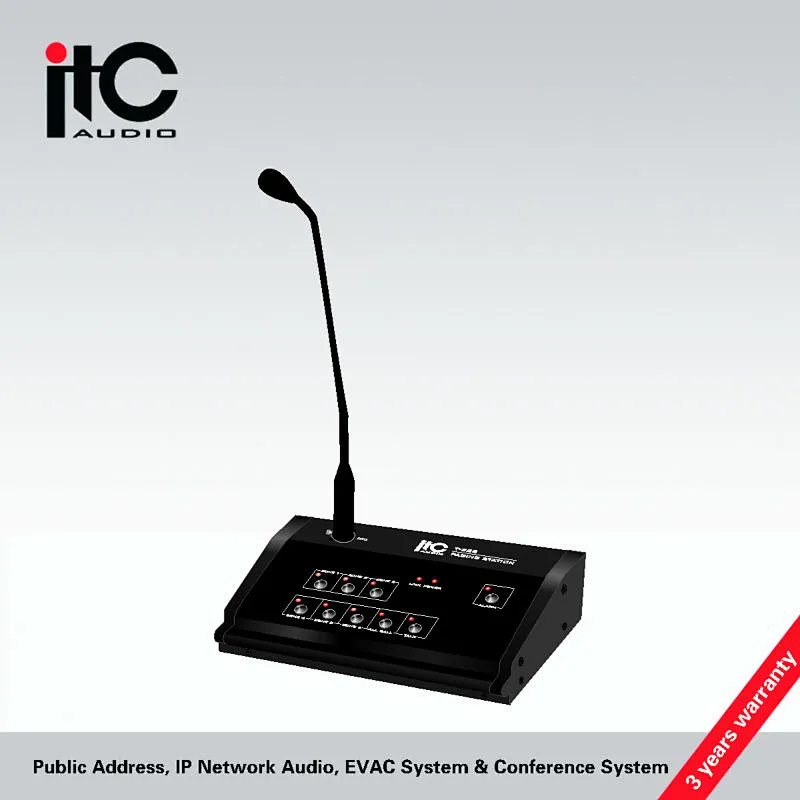
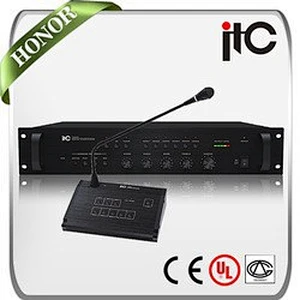
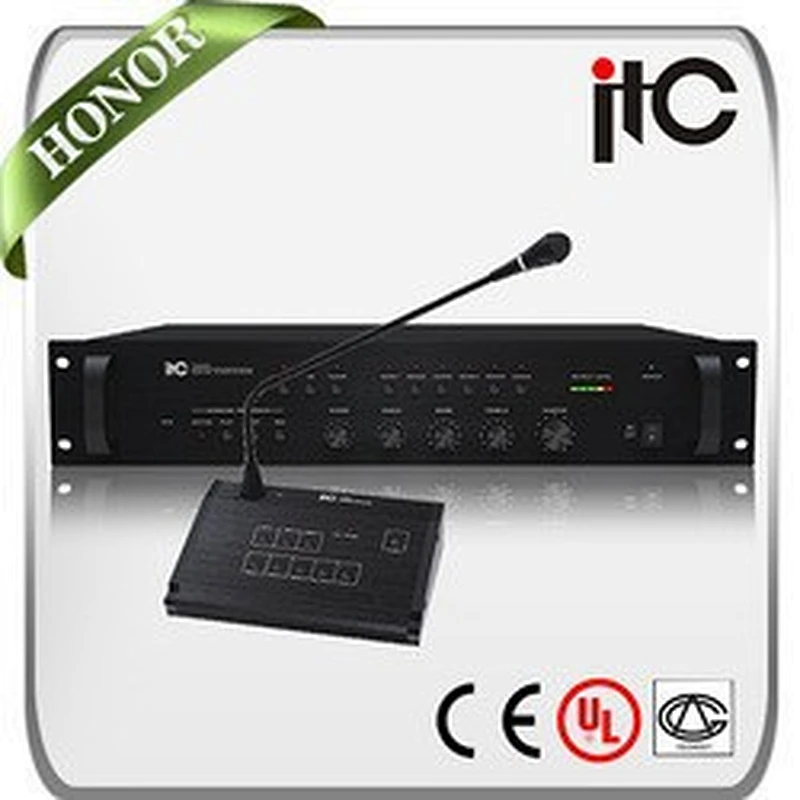
ITC T-328 Most Practical Remote Paging Console for PA System
ITC T-328 Most Practical Remote Paging Console for PA System

ITC T-328 Most Practical Remote Paging Console for PA System

ITC T-328 Most Practical Remote Paging Console for PA System

ITC T-328 Most Practical Remote Paging Console for PA System
1) Zone selection
Push the switch for one zone or all zone and the zone led turn on.
2) Announcement
After selecting the zone where to make the announcement, then keep pushing the talk button till the led turn on, the internal chime will be heard, after that, the user could proceed with the announcement. If the zone selected is already taken by another connected paging console, the talk led starts blinking which means line is busy.
3) Pre-recorded message 3 remote trigger
After selecting the zone, push the alarm button to achieve the pre-recorded voice message. Based on the setting of continuous and once play mode from T-6245, the recordingly activity will be taken;
4) Priority
The remote paging announcement with priority over mic1, chime and pre recorded message broadcasting.
5) Pre-recorded messages
Three different voice messages could be recorded and stored in the mixer, while each message's broadcasting time max is 3 minutes.
6) Capacity of 6 paging console working at the same time.
ITC T-328 Most Practical Remote Paging Console for PA System
Model | T-328 |
MIRCOPHONE INPUT | |
Sensitivity | ±5 mV/600 ohm |
S/N Ratio | >68dB |
Frequency Response | 100Hz~17KHz(+1, -3dB) |
Phantom Power | +12V |
CONTROL | |
Bass | ±12dB at 100Hz |
Treble | ±12dB at 10KHz |
Chime | 2 tone active for contact free in priority and BGM |
Normal Distortion | >0.1% |
OPERATING CONDITION | |
Power Supply | DC 24V |
Dimensions | 220x142.7x51.5 mm |
Weight | 1.5Kg |
Max number of paging console | 6 |

Send Message
Related Products